macOS
Apple Silicon
Checking availability…
Web, desktop, phone & self-hosted
Start in your browser or download the macOS app. Or run NeuroMyelin on your own server with Docker. iPhone and Android apps are coming soon.
Open the web app to capture, organise and recall your saved knowledge.
Apple Silicon
Checking availability…
Coming soon
Get an email when NeuroMyelin for Windows is ready.
Confirm your email to join. Only updates about this release. No account needed. You can leave from your waitlist email. Privacy policy
Coming soon
Get an email when NeuroMyelin for Linux is ready.
Confirm your email to join. Only updates about this release. No account needed. You can leave from your waitlist email. Privacy policy
The phone app is in testing. It brings Ask or remember, reminders with phone alerts, places and where you parked, dates for your people, car and home, receipts and warranties, document scanning and sharing from other apps.
It isn’t in the App Store or Google Play yet. It will use the same account as the web app.
See the phone app ↗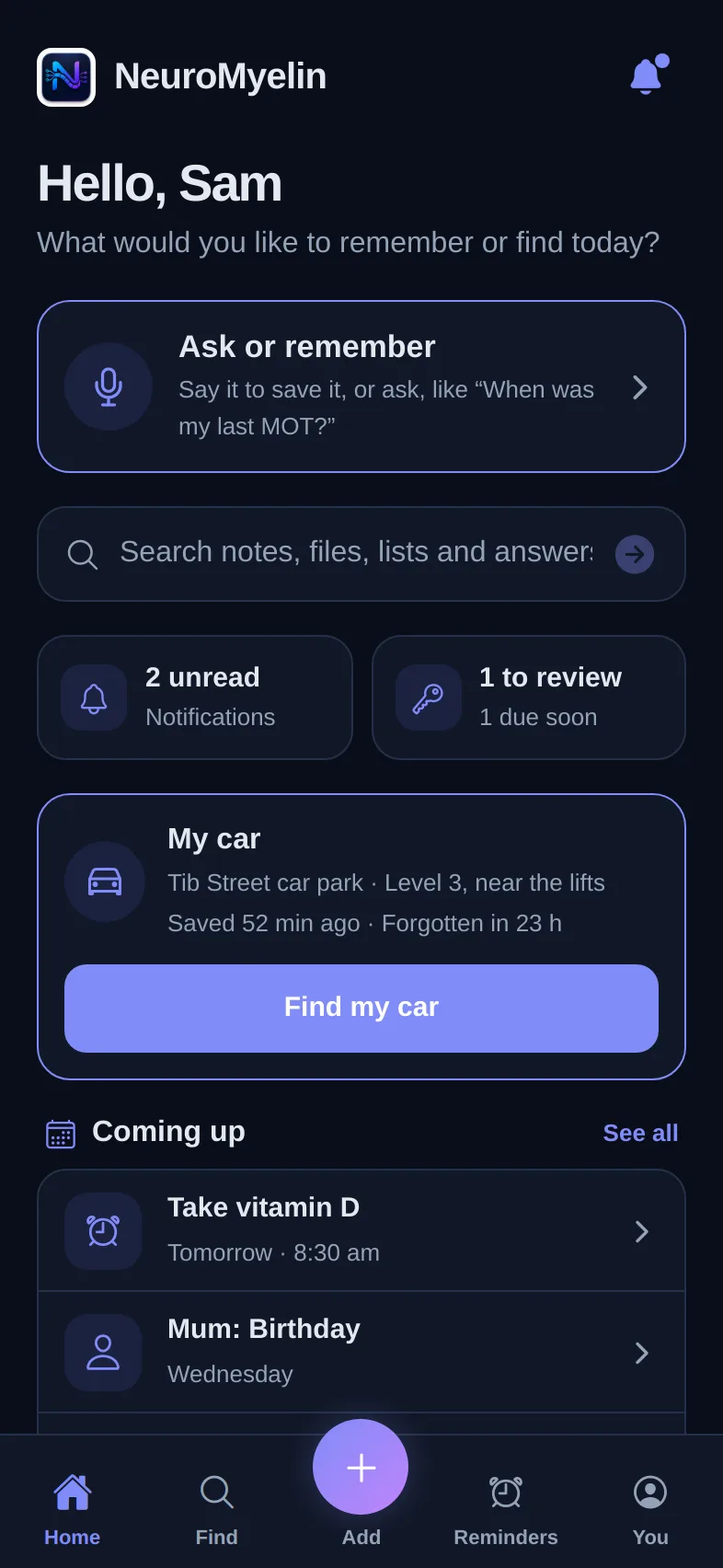
Run NeuroMyelin with Docker and keep your memories and files on storage you control. Start with free Hobby, or unlock advanced features with a monthly or yearly licence.
Available for AMD64 and ARM64. Our GitHub guide includes the Docker command, account setup and optional configuration. No GitHub login is needed to download the image.
For right-click capture, install the macOS Quick Actions from the desktop connection settings.
Desktop shortcuts and offline use ↗You can import Obsidian, Trilium, Joplin and CherryTree exports, along with Markdown, HTML and text files. There is no need to copy everything by hand.
Read the import guide ↗If a desktop download is unavailable, you can use NeuroMyelin in your browser.